Web
AvailableOpen the game page and play in your browser.
 Frieve Games
Puzzleパズル
Color-shifting ball puzzle色が変わるボール消しパズル
Push three-colored balls, merge colors, and clear every stage by making all balls disappear.3色のボールを押してぶつけ、同じ色は消し、違う色は別の色へ変えながら全消しを目指すパズルゲーム。
Trouble Ball Classic is a compact puzzle game about controlling collisions. Push red, blue, and yellow balls around each stage, use different-color collisions to make the missing color, and line up matching colors to erase the board.Trouble Ball Classicは、ステージ上のボールを押して衝突させ、色の変化を読みながら全消しを目指すパズルゲームです。同じ色のボール同士は消え、違う色のボール同士は残りの色に変わります。限られた通路の中で順番を組み立て、すべてのボールを消してステージクリアを狙います。
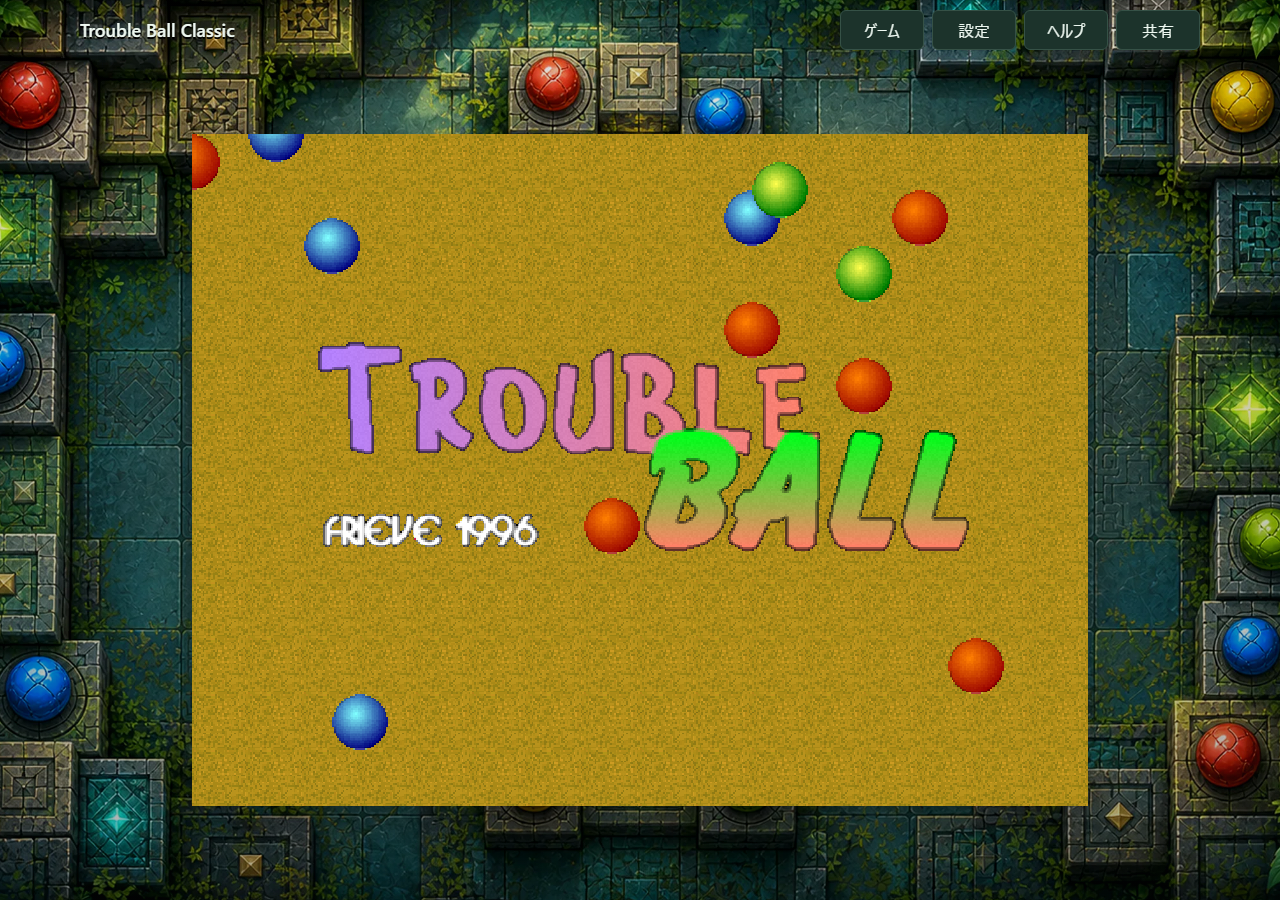
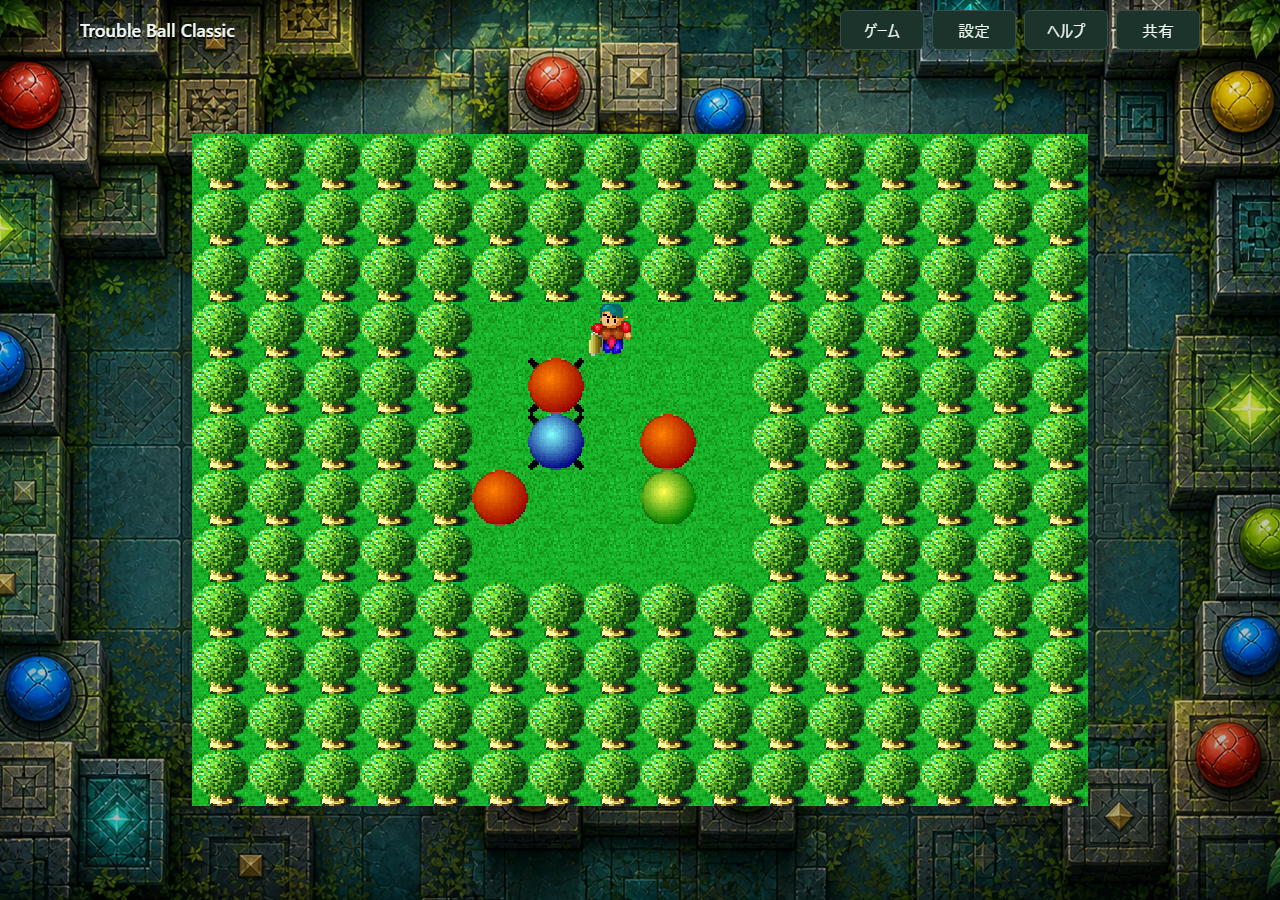
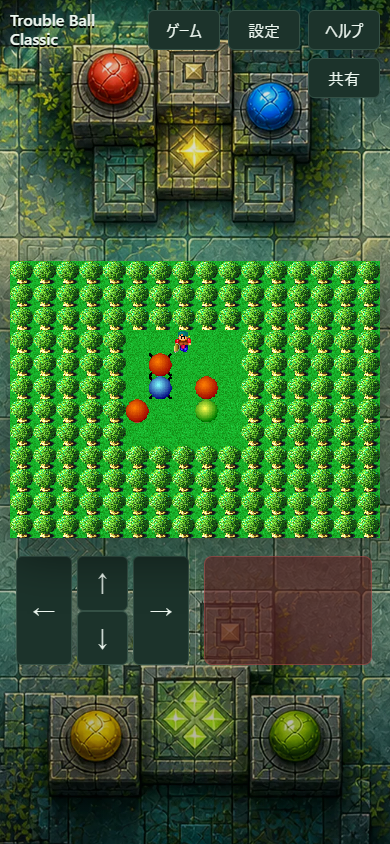
Arrow keys or WASD move the player, Space or Z starts and pushes balls, and Escape opens the game menu.
Use the on-screen direction buttons to move and the Push button to shove balls.
Use the D-pad or left stick to move, and face buttons to start or push balls.
カーソルキーまたはWASDで移動し、SpaceキーまたはZキーで開始やボール押しを行います。Escapeでゲームメニューを開きます。
画面上の方向ボタンで移動し、Pushボタンでボールを押します。
十字キーまたは左スティックで移動し、フェイスボタンで開始やボール押しを行います。
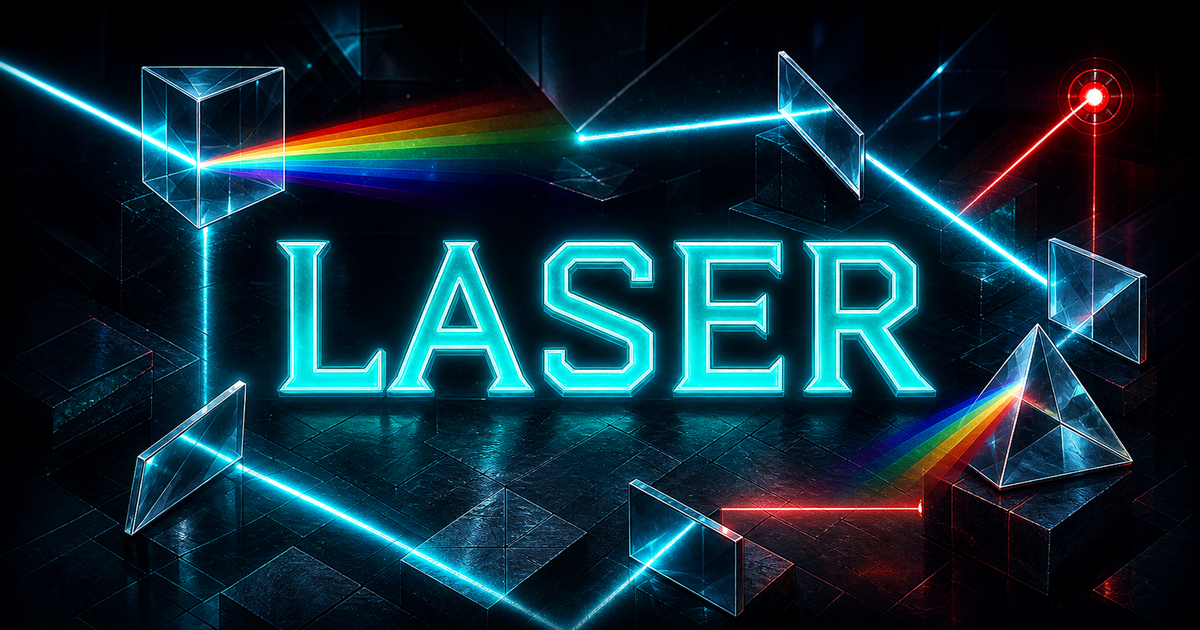
Place mirrors and prisms to guide a laser through each stage and light every goal.
Collect keys across three linked rooms, dodge spikes and enemies, and find each stage's goal in an action maze puzzle.
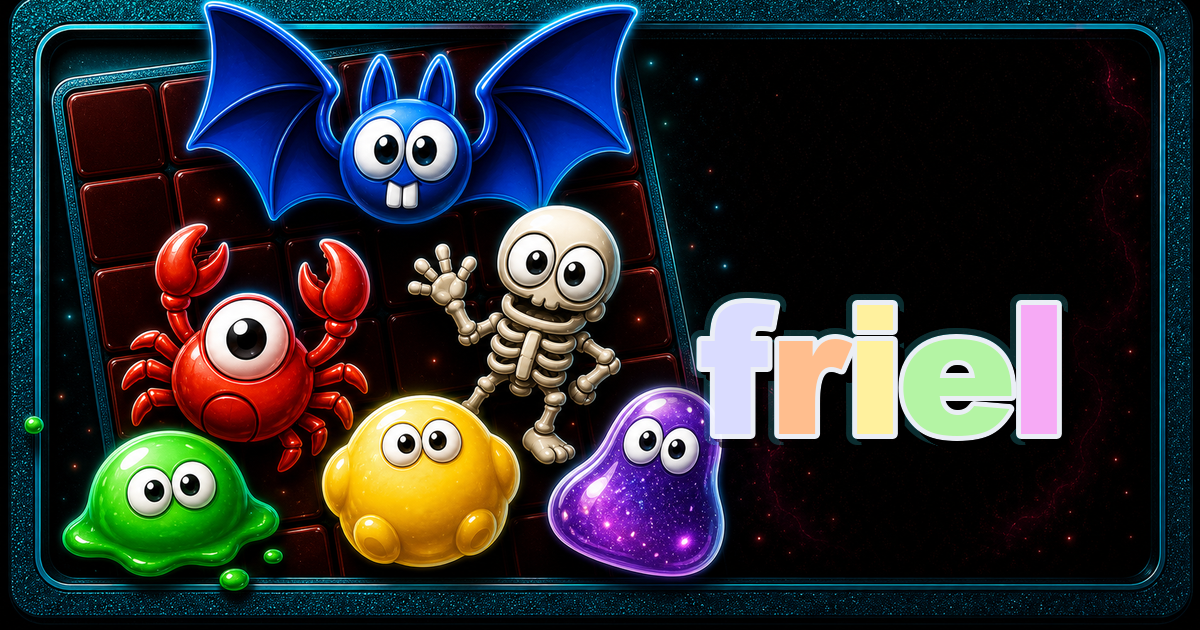
Drop pairs, line up matching characters inside 3x3 areas, and set off satisfying chains.
鏡やプリズムを配置してレーザーの進路を変え、すべてのゴールへ光を届けるパズルです。
3つの部屋をワープで行き来し、鍵を集めてゴールを目指すアクション迷路パズルです。
ペアを落として3x3の中に同じキャラクターを集め、連鎖で一気に消していくパズル。