Web
AvailableOpen the game page and play in your browser.
 Frieve Games
RPGRPG
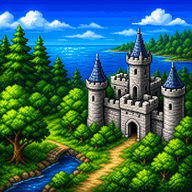
Four-person fantasy RPG adventure4人パーティで進むファンタジーRPG
Travel as a four-person party, explore towns and dungeons, and battle monsters in a classic fantasy RPG.4人の仲間たちと魔物に揺れる世界を探索するコンパクトなRPGです。
Faleal Story Classic is a fantasy RPG built around field exploration, town conversations, turn-based battles, and party management. Guide a knight of Faleal and their companions through castles, caves, towers, and towns as the story unfolds across the world.Faleal Story Classicは、フィールド探索、町や城での会話、ターン制バトルを進めながら物語を追うファンタジーRPGです。4人の仲間の役割を見ながら装備や魔法を整え、各地の事件を解き明かしていきます。
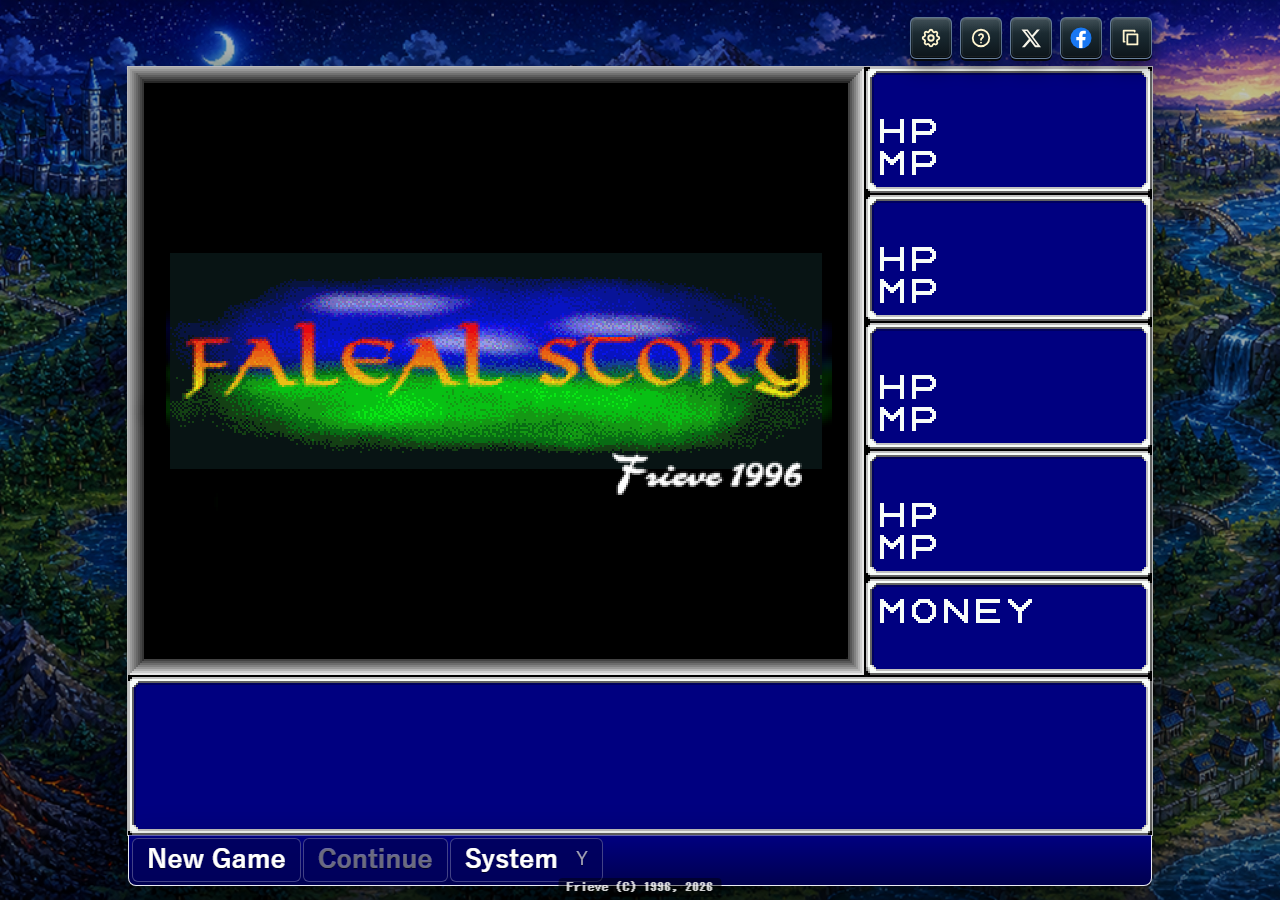
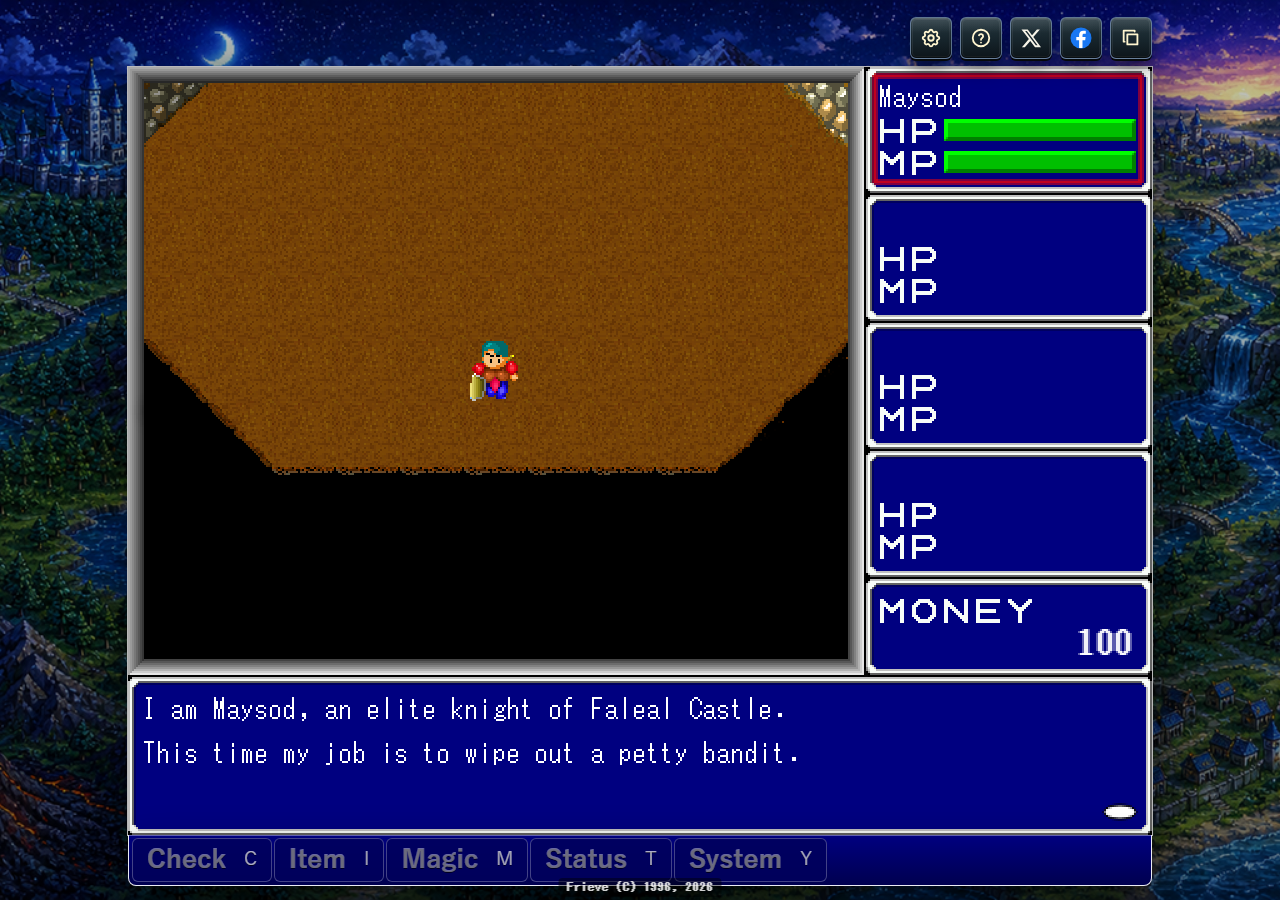
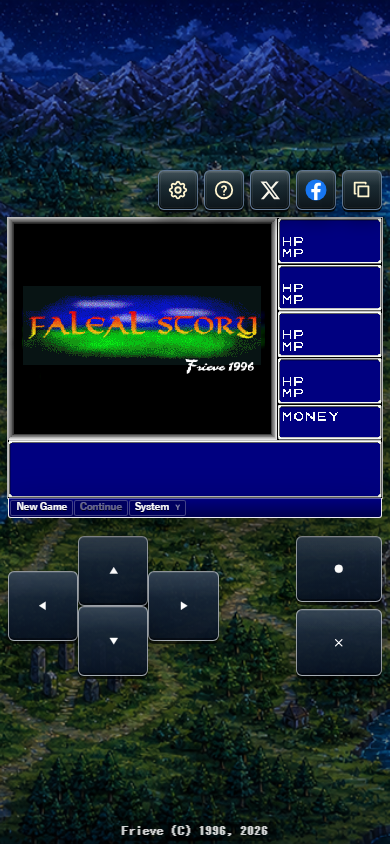
Arrow keys or WASD move, Enter or Space checks and advances messages, Escape opens menus or goes back, Z switches the active character, and X switches the target character.
Tap the playfield to move, inspect, and advance messages, or use the on-screen direction, confirm, and back buttons. On the right-side status panel, tap the left half to switch the active character or the right half to switch the target character.
Click the field to move, inspect, and advance messages, or click battle enemies and menu commands to choose them. On the right-side status panel, click the left half to switch the active character or the right half to switch the target character.
Use the D-pad or left stick to move and face buttons to confirm or go back. LB/RB switches the active character or battle enemy target, and LT/RT switches the target character.
矢印キーまたはWASDで移動し、EnterまたはSpaceで確認やメッセージ送りを行います。Escでメニューや戻る操作、Z/Xで操作キャラクターや対象キャラクターを切り替えます。
画面タップで移動、調査、メッセージ送りを行い、画面下のタッチボタンで方向、決定、戻るを入力できます。画面右のステータス欄は、左半分で操作キャラクター、右半分で対象キャラクターを切り替えます。
画面クリックで移動先指定、調査、メッセージ送りを行います。戦闘中は敵やメニューをクリックして選択できます。画面右のステータス欄は、左半分で操作キャラクター、右半分で対象キャラクターを切り替えます。
方向ボタンまたは左スティックで移動し、フェイスボタンで決定や戻るを操作します。LB/RBで操作キャラクターや戦闘中の敵対象、LT/RTで対象キャラクターを切り替えます。
Explore a skewed world, gather allies, and fight command battles in a dark-comic RPG.

Guide Gelime through a slime world under invasion, explore towns and dungeons, and win timing-based battles.
Dodge fire, cut through enemy formations, and clear stages in a classic vertical shooter.
体格のバランスが崩れた世界で、仲間を集めながら魔王を追うコミカルRPGです。
スライムの勇者ジェライムを導き、侵攻されたスライムの世界を旅する冒険RPGです。
弾をかわし、敵編隊を撃ち抜き、ステージ突破を目指すクラシックな縦スクロールシューティング。
