Web
AvailableOpen the game page and play in your browser.
 Frieve Games
RPGRPG

Dark-comic body-balance RPG体格のバランスが崩れた世界を旅するRPG
Explore a skewed world, gather allies, and fight command battles in a dark-comic RPG.体格のバランスが崩れた世界で、仲間を集めながら魔王を追うコミカルRPGです。

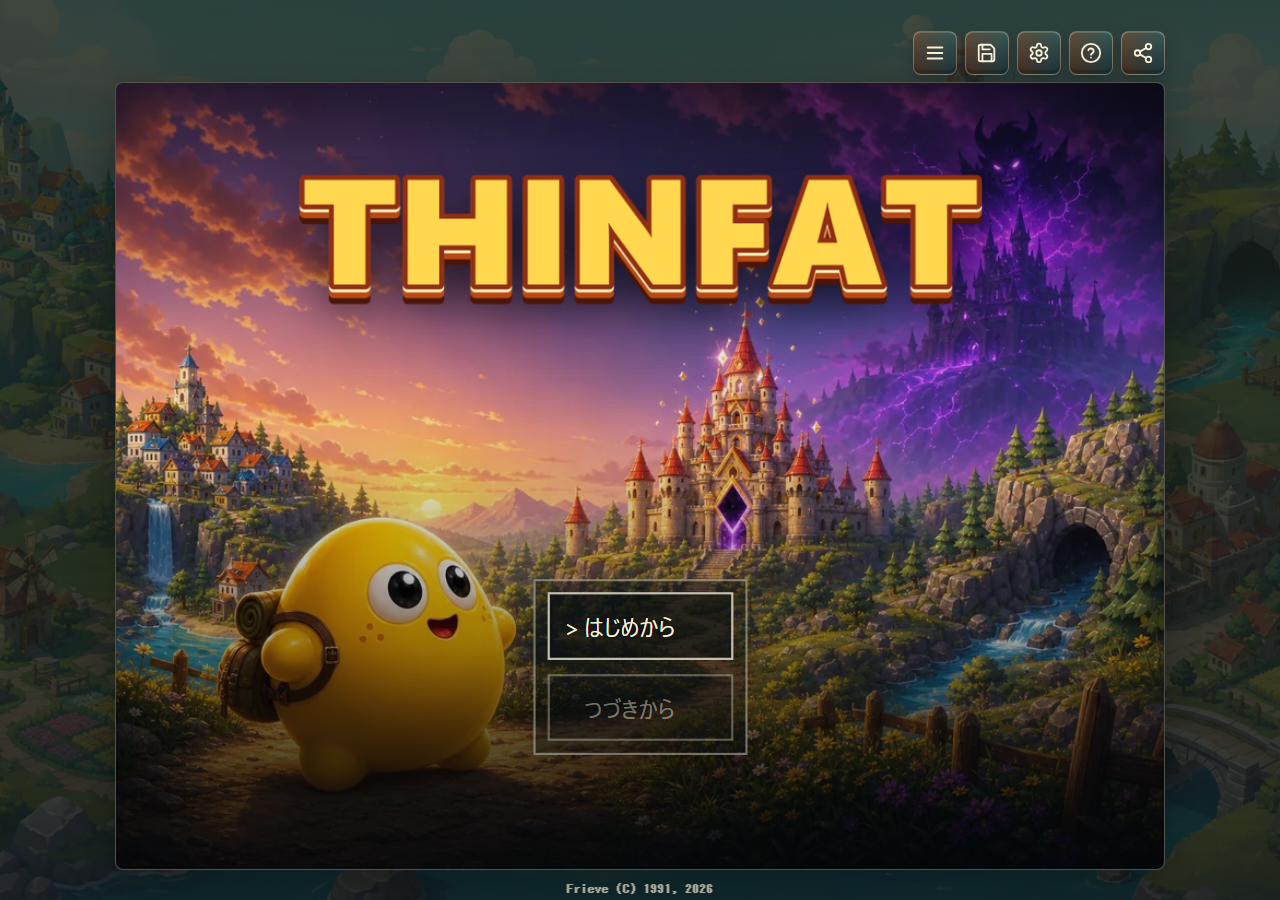
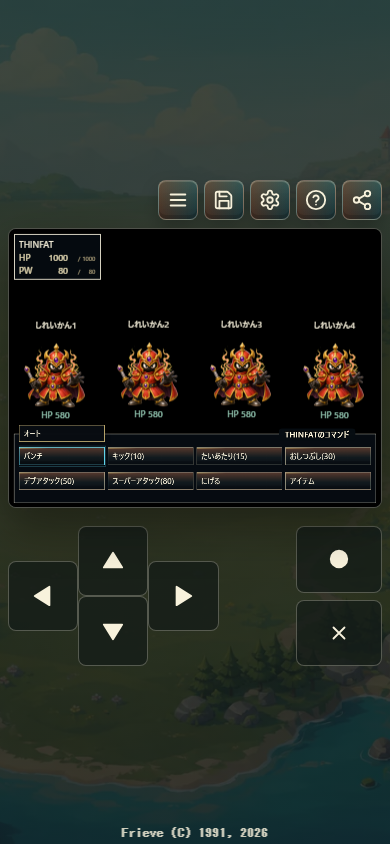
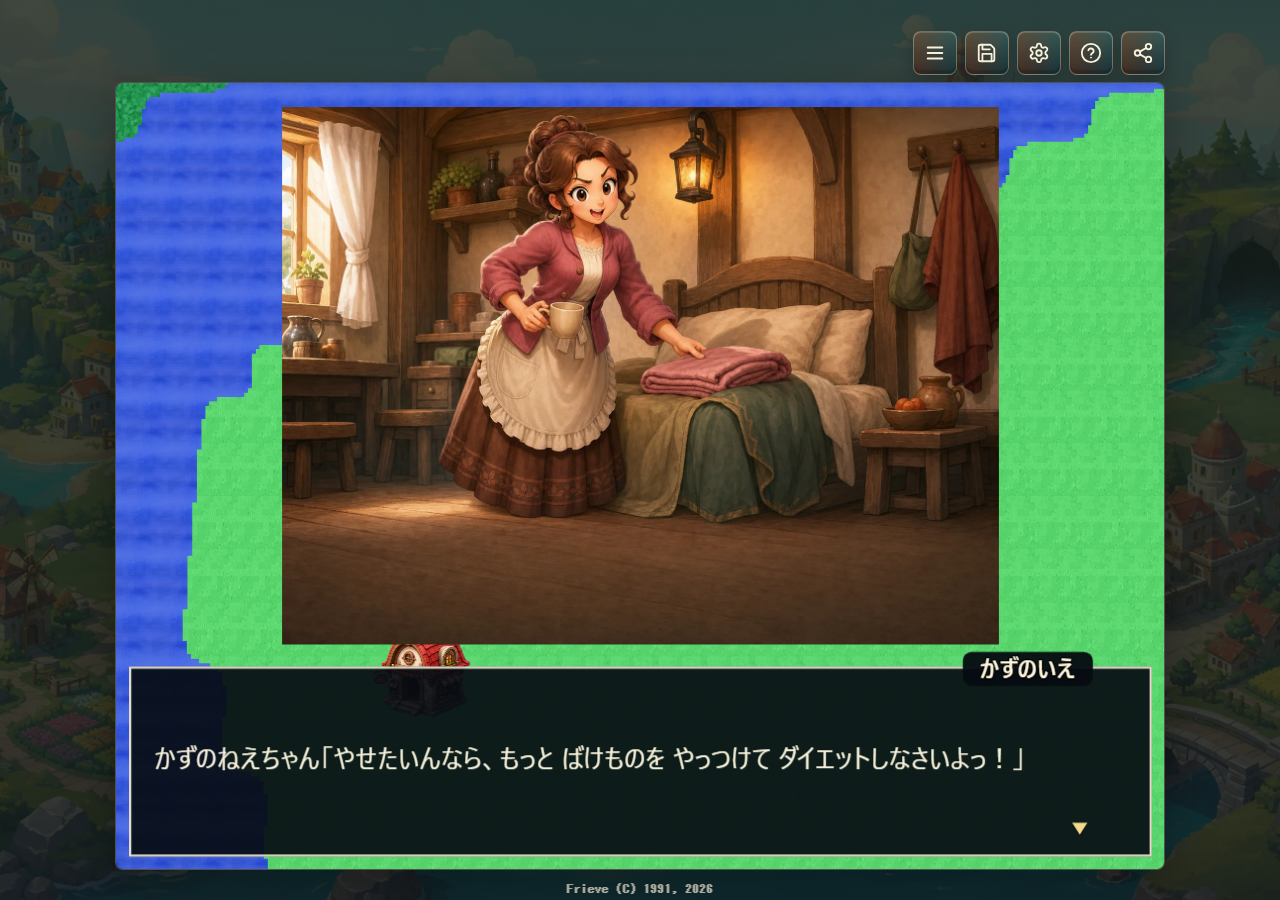
THINFAT is a story-driven RPG set in a world where the sacred jewel that balances fat and thin bodies has vanished. Explore towns, caves, castles, and strange facilities, recruit allies, and use attacks, skills, and items in command battles as you chase Gelheim and the cause of the curse.THINFATは、太っている人とやせている人のバランスを保つ「スィンファットのせいぎょく」が失われた世界を旅するRPGです。町や洞窟、城、不思議な施設を探索し、仲間を増やしながら、コマンドバトルで魔物に立ち向かっていきます。
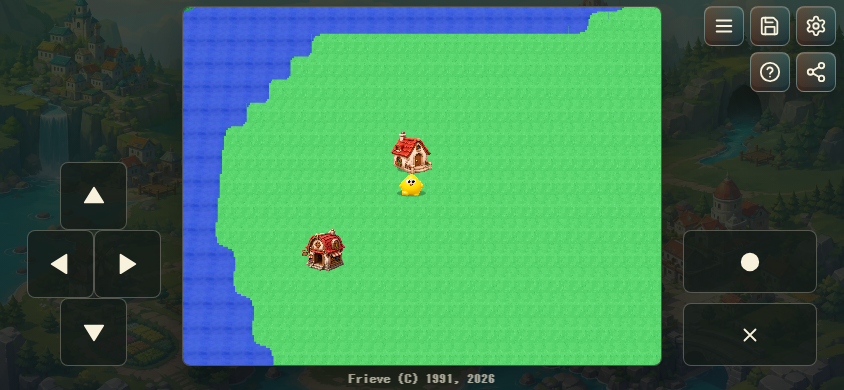
Arrow keys, WASD, or numpad keys move. Enter, Space, or Z confirms, advances messages, opens the field menu, or lands during flight; Escape, Backspace, or X cancels or advances messages. Tab, M, Pause, F3, or Q opens the menu.
Use the on-screen D-pad plus confirm and cancel buttons, or tap and drag on the field to move. Tap the game screen to advance messages and use the top buttons for menus and utilities.
Click or drag on the field to move toward a destination, and click the game screen to advance messages. The top buttons open the menu, save/load, settings, help, and share panels.
Use the D-pad or left stick to move and select menus. The bottom face button confirms, the right face button cancels, the left face button or Start opens the menu, and Back/Select opens sharing.
方向キー、WASD、テンキーで移動します。Enter、Space、Zで決定、メッセージ送り、フィールドメニュー、飛行中の着陸を行い、Escape、Backspace、Xでキャンセルやメッセージ送りを行います。Tab、M、Pause、F3、Qでもメニューを開けます。
画面上の方向キーや決定・キャンセルボタンを使い、フィールドのタップやドラッグでも移動できます。メッセージ待ち中はゲーム画面のタップで先へ進め、上部ボタンから各メニューを開けます。
フィールド上をクリックまたはドラッグして目的地へ近づくように移動し、メッセージ待ち中はゲーム画面のクリックで先へ進めます。画面上部のボタンからメニュー、セーブ/ロード、設定、ヘルプ、共有を開けます。
方向パッドまたは左スティックで移動とメニュー選択を行います。下フェイスボタンで決定、右フェイスボタンでキャンセル、左フェイスボタンまたはStartでメニュー、Back/Selectで共有を開けます。
Travel as a four-person party, explore towns and dungeons, and battle monsters in a classic fantasy RPG.
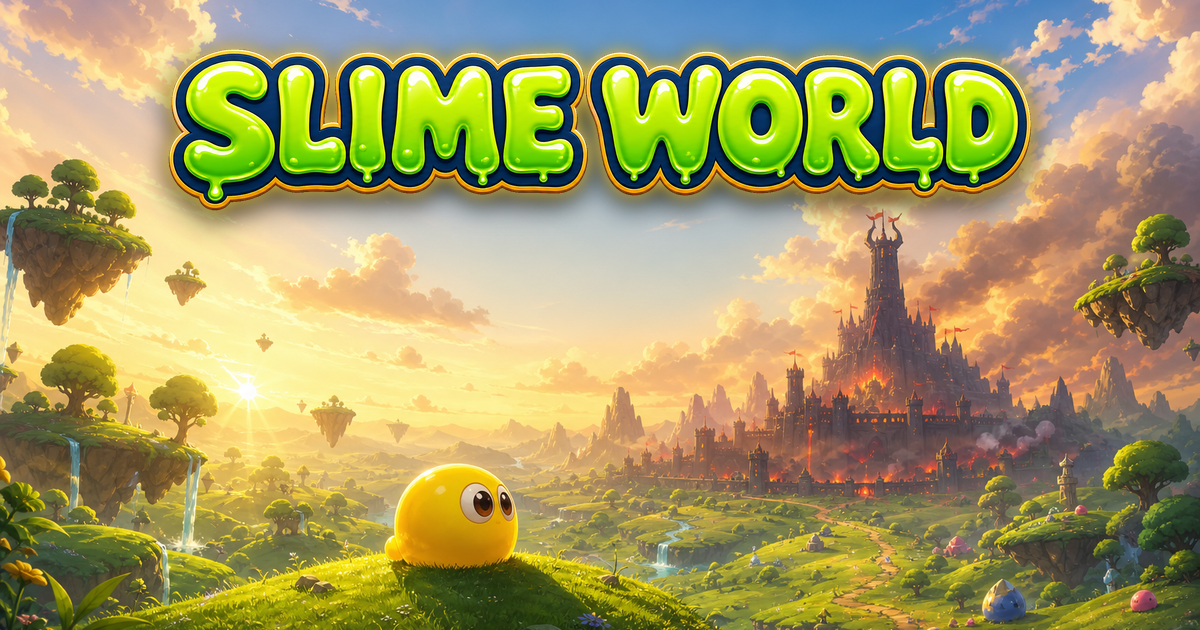
Guide Gelime through a slime world under invasion, explore towns and dungeons, and win timing-based battles.

Jump across clouds, clear them from the sky, and keep the sun from falling in a cheerful casual action game.
4人の仲間たちと魔物に揺れる世界を探索するコンパクトなRPGです。
スライムの勇者ジェライムを導き、侵攻されたスライムの世界を旅する冒険RPGです。
太陽を雲の上でジャンプさせて雲を消し、落ちないように空を進むカジュアルアクション。