Web
AvailableOpen the game page and play in your browser.
 Frieve Games
RPGRPG

Slime-hero adventure RPGスライムの勇者ジェライムの冒険RPG
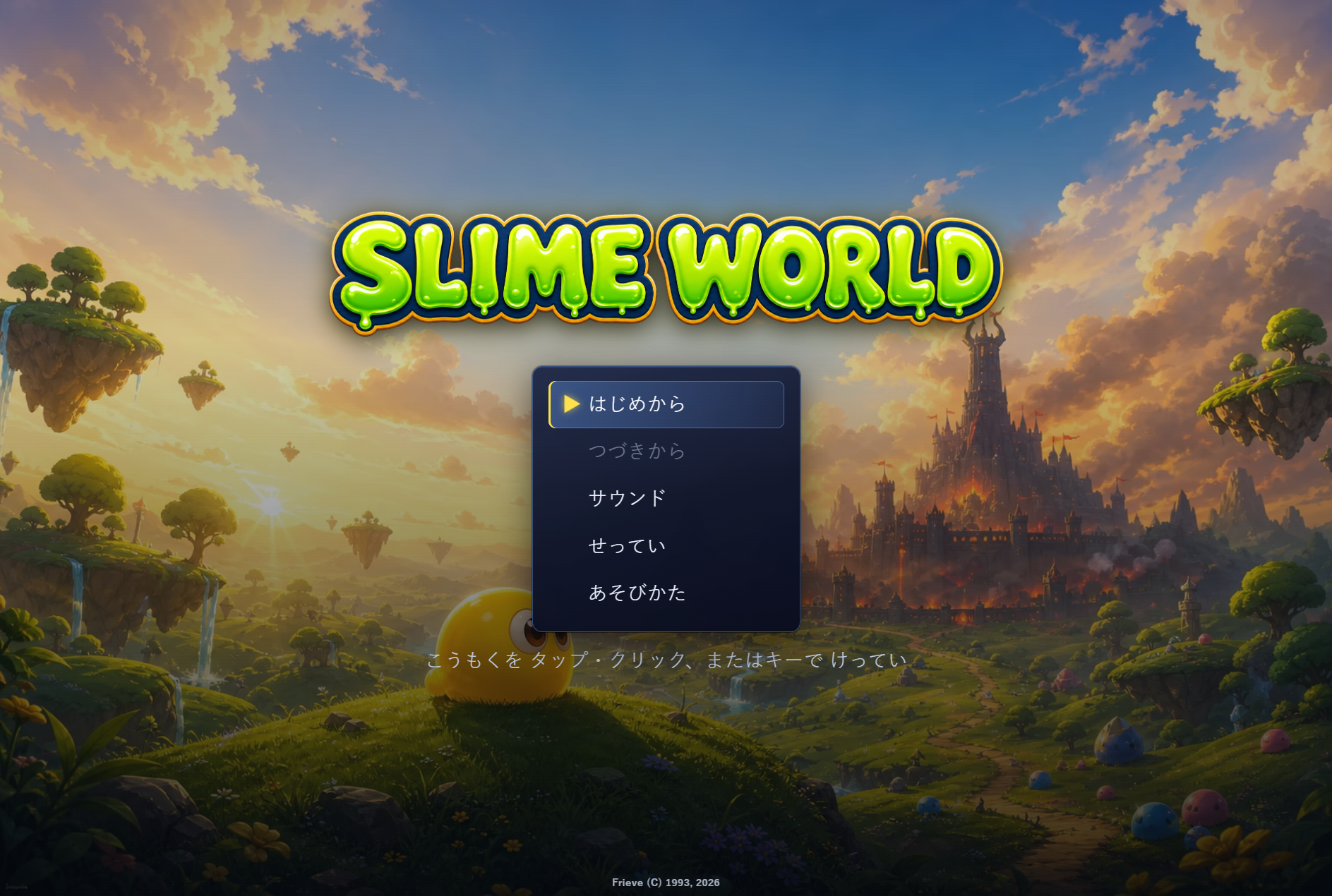
Guide Gelime through a slime world under invasion, explore towns and dungeons, and win timing-based battles.スライムの勇者ジェライムを導き、侵攻されたスライムの世界を旅する冒険RPGです。

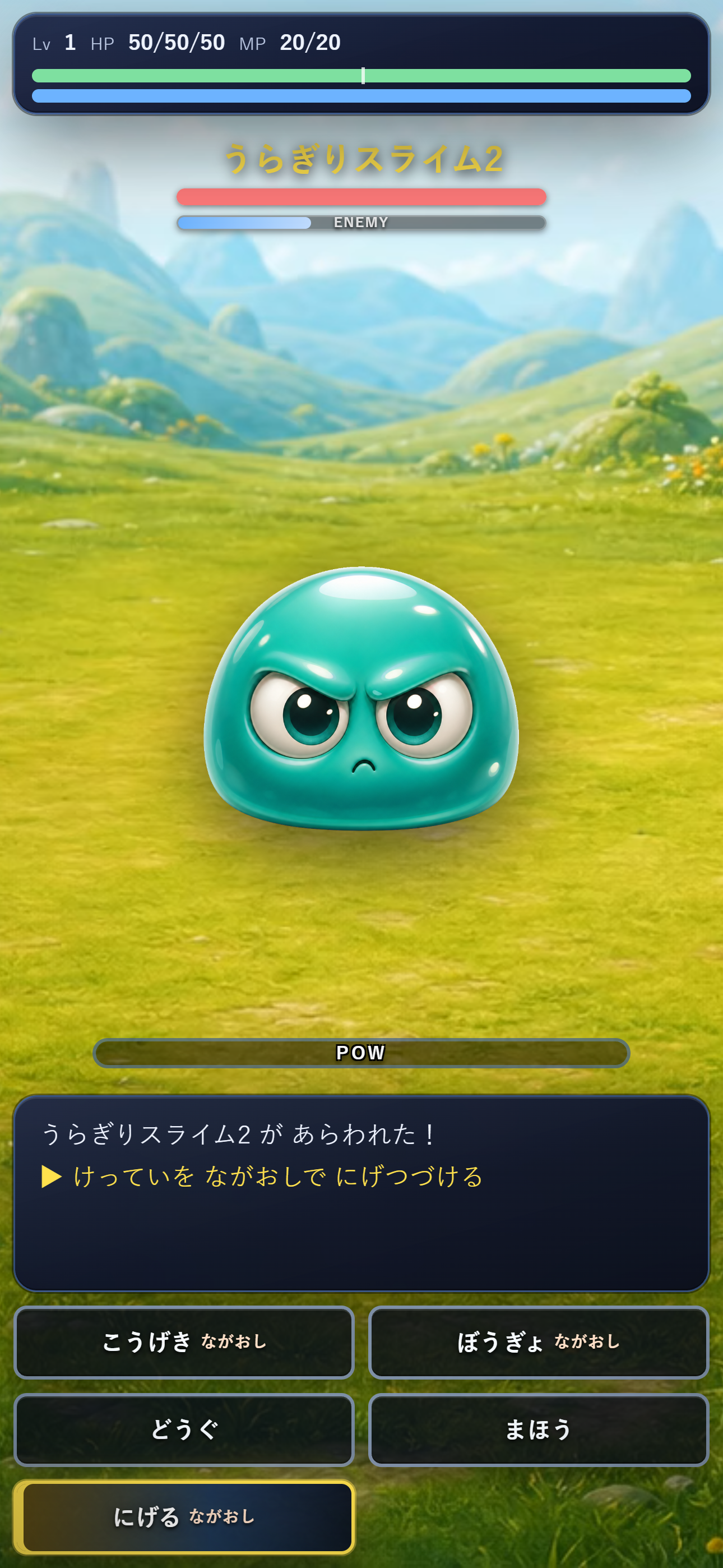
SLIME WORLD is an adventure RPG starring Gelime, a slime warrior who sets out after humans invade the slime world. Explore fields, towns, caves, towers, and enemy facilities, talk to residents, gather important records, and use items, magic, and timing-based attacks and defenses to advance the story.SLIME WORLDは、人間たちに攻め込まれたスライムの世界で、スライムの勇者ジェライムを導く冒険RPGです。フィールドや町、洞窟、塔、敵の施設を探索し、人々と話し、大切な記録を集めながら、アイテムや魔法、タイミングを見て攻撃・防御する戦闘で物語を進めていきます。
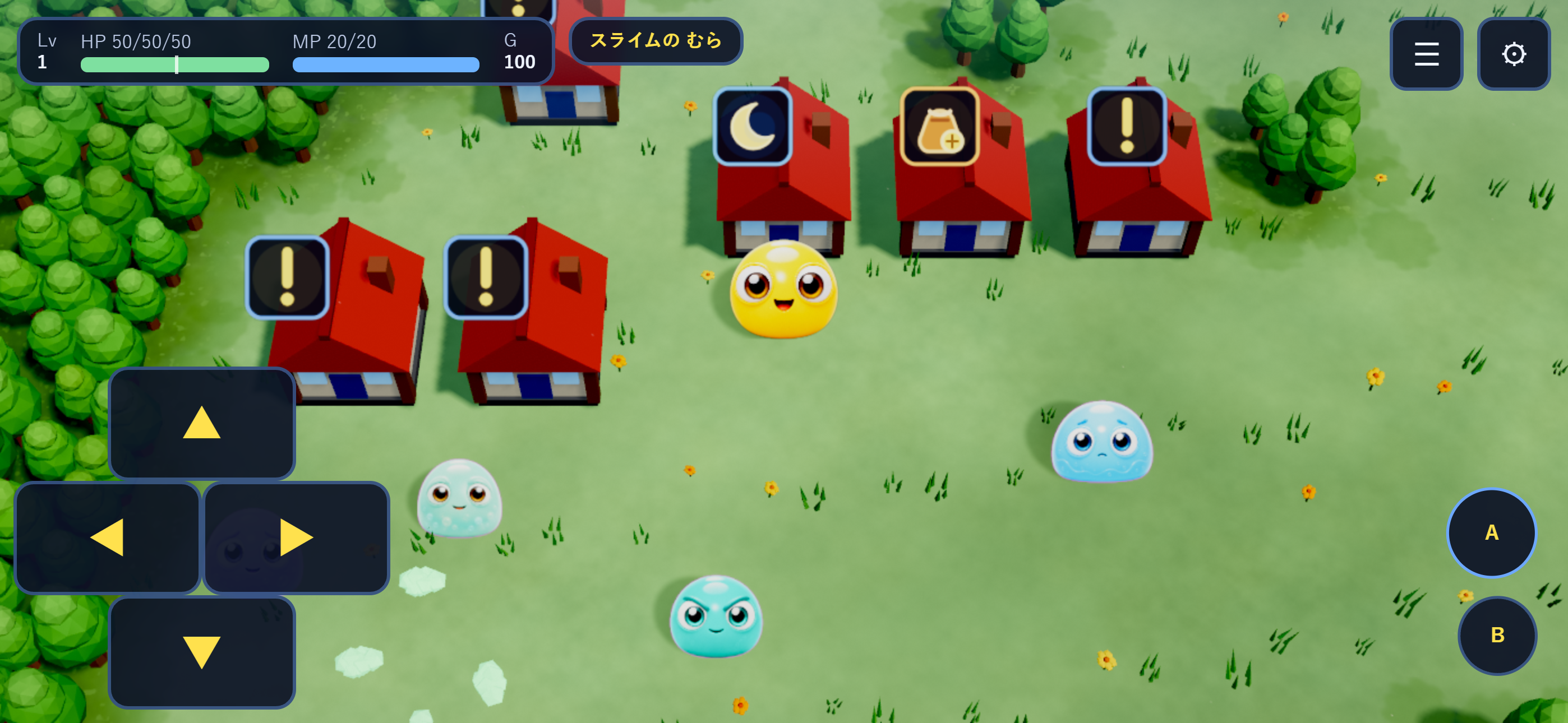
Arrow keys or WASD move. Enter, Space, or Z confirms; Esc, Backspace, or X cancels; Confirm on the map, Tab, or M opens the menu.
Tap or drag the field to move toward a destination. Use the on-screen D-pad and A/B buttons to move, confirm, and cancel, and use the top buttons for menus and settings.
Click or drag the field to move toward a destination. Click on-screen direction and action buttons to move, confirm, and cancel, and use the top buttons for menus and settings.
Use the D-pad or left stick to move and face buttons to confirm or cancel. START opens the menu.
方向キーまたはWASDで移動します。Enter、Space、Zで決定、Esc、Backspace、Xでキャンセル、マップ中の決定、Tab、Mでメニューを開きます。
フィールドをタップまたはドラッグして目的地へ近づくように移動できます。画面上の方向パッドとA/Bボタンで移動、決定、キャンセルを操作し、上部ボタンからメニューや設定を開けます。
フィールドをクリックまたはドラッグして目的地へ近づくように移動できます。画面上の方向ボタンやアクションボタンをクリックして移動、決定、キャンセルを操作し、メニューや設定ボタンを選べます。
方向パッドまたは左スティックで移動し、フェイスボタンで決定やキャンセルを行います。STARTボタンでメニューを開けます。
Gameplay commentary, video uploads, livestreams, and monetization are allowed. No prior application, contact, or follow-up report is required.
You may post videos, livestreams, archives, and clips of your own videos or streams using gameplay footage and audio from SLIME WORLD. This permission applies to individuals, companies, and creators affiliated with agencies.
You may monetize through advertising, donations, and memberships, and publish content exclusively for paid members. You may publish the entire game, including the ending, with or without commentary.
No prior application, contact, or follow-up report is required. Including the game title and a link to its sales page is optional.
「SLIME WORLD」のプレイ映像・音声を用いた動画投稿、ライブ配信、アーカイブ公開、および自身の動画・配信の切り抜き投稿を許可します。個人・法人・事務所所属者を問いません。
広告・投げ銭・メンバーシップによる収益化、有料会員限定での公開も可能です。実況の有無を問わず、エンディングを含む全編を公開できます。
事前の申請・連絡および事後報告は不要です。ゲーム名と販売ページへのリンクの掲載は任意です。

Explore a skewed world, gather allies, and fight command battles in a dark-comic RPG.
Travel as a four-person party, explore towns and dungeons, and battle monsters in a classic fantasy RPG.

Jump across clouds, clear them from the sky, and keep the sun from falling in a cheerful casual action game.
体格のバランスが崩れた世界で、仲間を集めながら魔王を追うコミカルRPGです。
4人の仲間たちと魔物に揺れる世界を探索するコンパクトなRPGです。
太陽を雲の上でジャンプさせて雲を消し、落ちないように空を進むカジュアルアクション。